Customization
Sunglasses Logo Printing Guide: Methods, Placement & Artwork
Compare practical sunglasses logo methods, placement options, artwork requirements and sample checks before approving a bulk order.Start With the Product and Artwork, Not a Printing Method
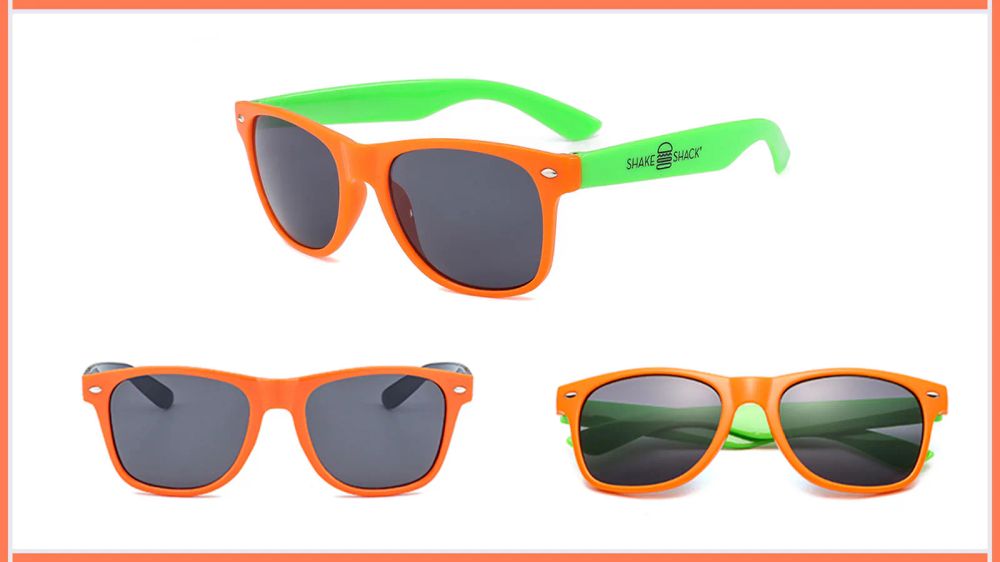
A logo that looks clean on a screen can behave differently on a narrow, curved or textured sunglasses surface. The practical method depends on the selected product, frame or temple material, available logo area, artwork colors, required coverage, order quantity and target appearance. These decisions should be reviewed together before a buyer approves a mockup.
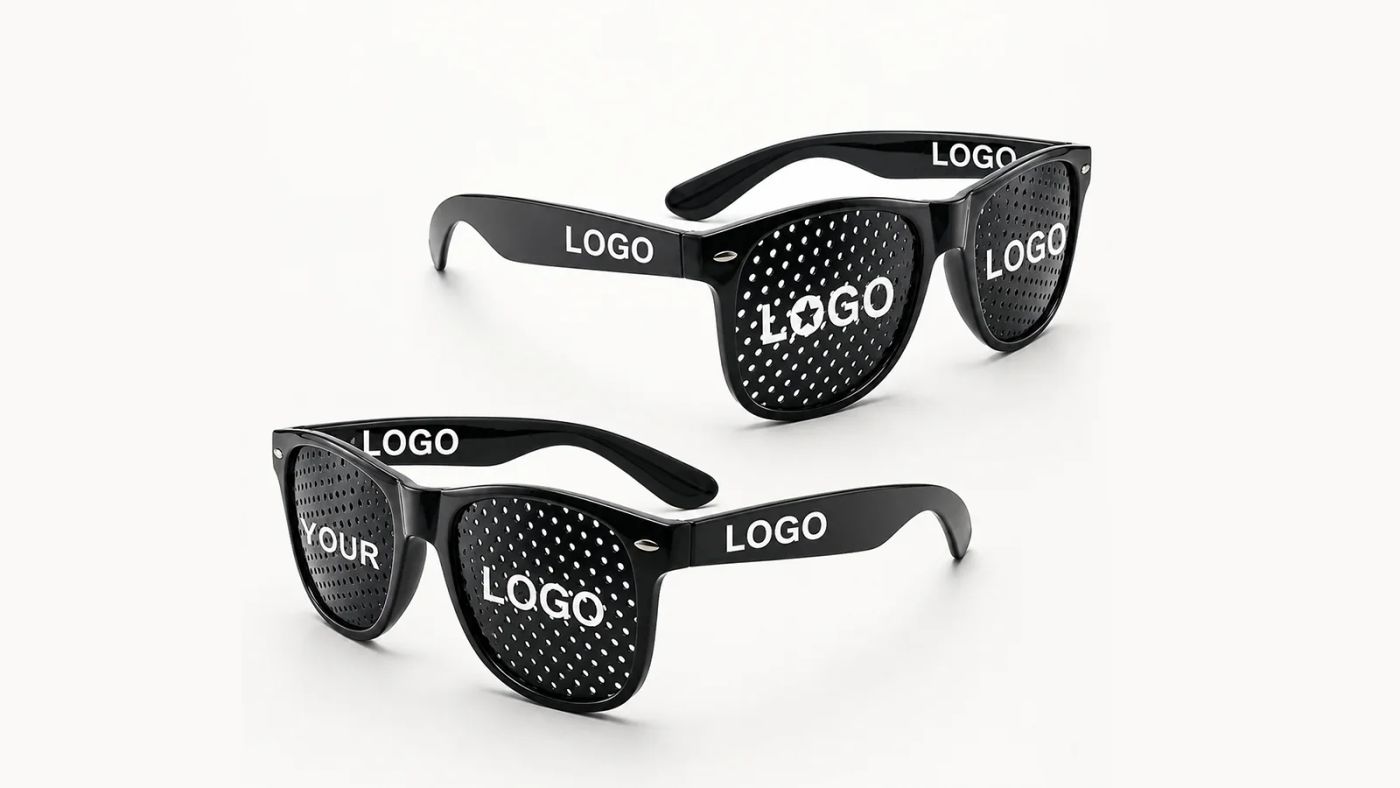
DOMI currently works with five confirmed logo directions: screen printing, pad printing, heat transfer, laser engraving and metal logos. They are not interchangeable upgrades. A simple one-color temple mark and a full-frame country-flag graphic require different preparation, fixtures, cost structures and approval standards.
- Select the frame or provide the product drawing first
- Share the clearest available logo file and brand-color reference
- Mark the preferred position, approximate size and required coverage
- State the order quantity, color split, packaging and delivery target
- Approve the final method only after the factory reviews the complete brief
Compare Five Sunglasses Logo Application Methods
Use the table as a planning guide rather than a universal specification. The same method can perform differently when the surface, curvature, coating, logo size or production quantity changes. DOMI confirms the final route against the actual product and artwork.
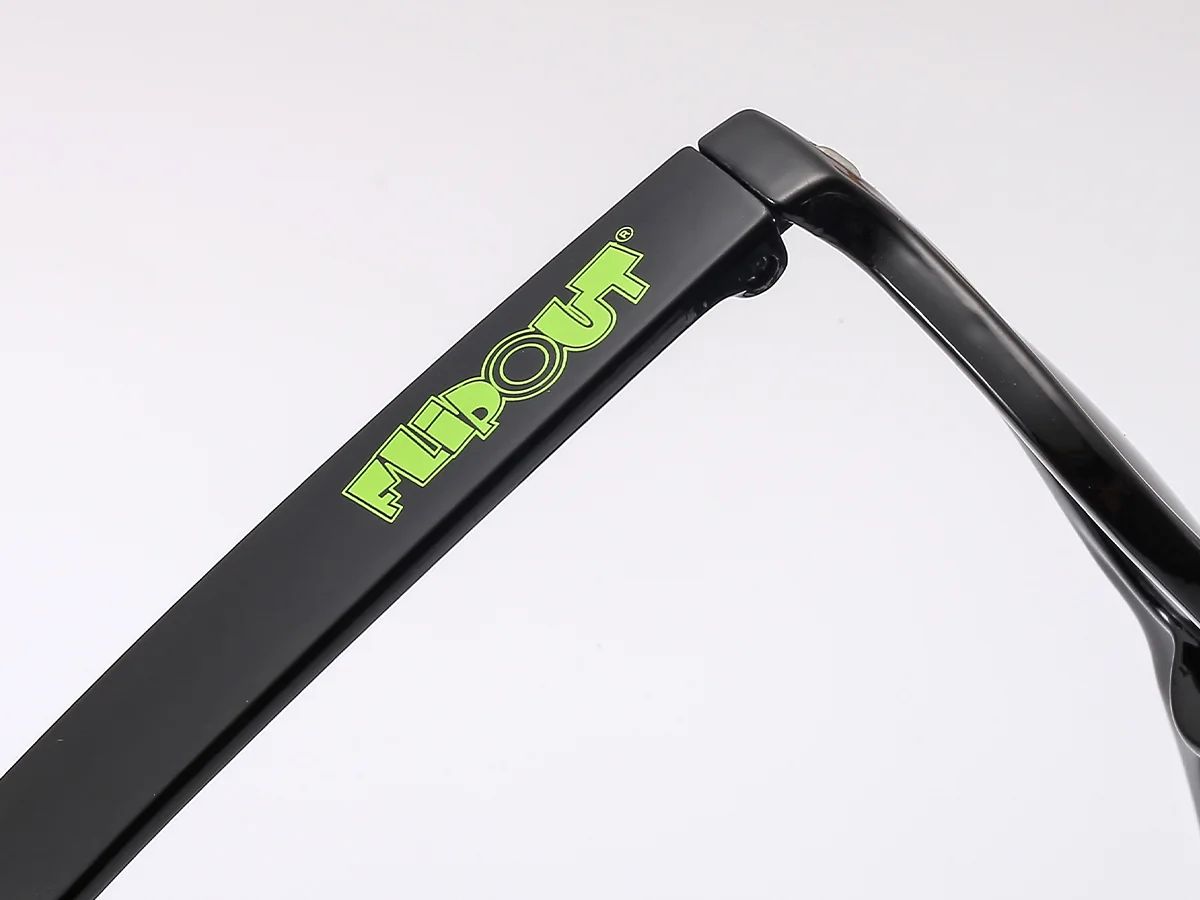
As a current DOMI rule of thumb, a simple single-color logo commonly starts with screen printing. When artwork needs broad coverage or extends across much of the frame, heat transfer is usually the more suitable route and normally costs noticeably more than screen printing. The quotation controls the final method and cost.
| Method | Typical use | Main advantage | What must be confirmed |
|---|---|---|---|
| Screen printing | Simple single- or few-color marks on a suitable temple area | Practical and cost-efficient for straightforward artwork | Surface shape, print area, ink color and artwork detail |
| Pad printing | Small marks on curved or less accessible areas | Transfers compact artwork onto shapes that are difficult to screen print | Curvature, fixture, logo size and edge clarity |
| Heat transfer | Multi-color patterns and larger frame or temple coverage | Handles complex graphics and wider visual coverage | Product structure, graphic layout, coverage, color and higher process cost |
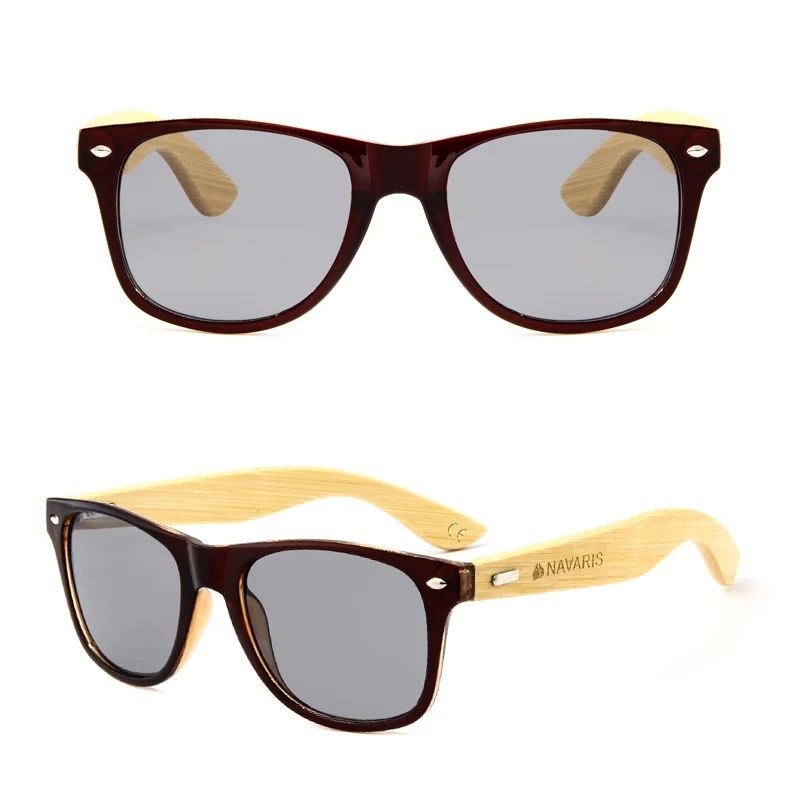
| Laser engraving | Bamboo, wood and other confirmed engravable components | Creates a permanent-looking, ink-free mark | Material, engraving contrast, depth and usable area |
| Metal logo | Premium decorative or inlaid brand details | Adds a dimensional brand element | Frame design, metal part, fixing method, tooling and assembly route |
Availability, MOQ, cost and lead time are confirmed for the selected product and approved artwork.
Choose a Logo Position the Product Can Support
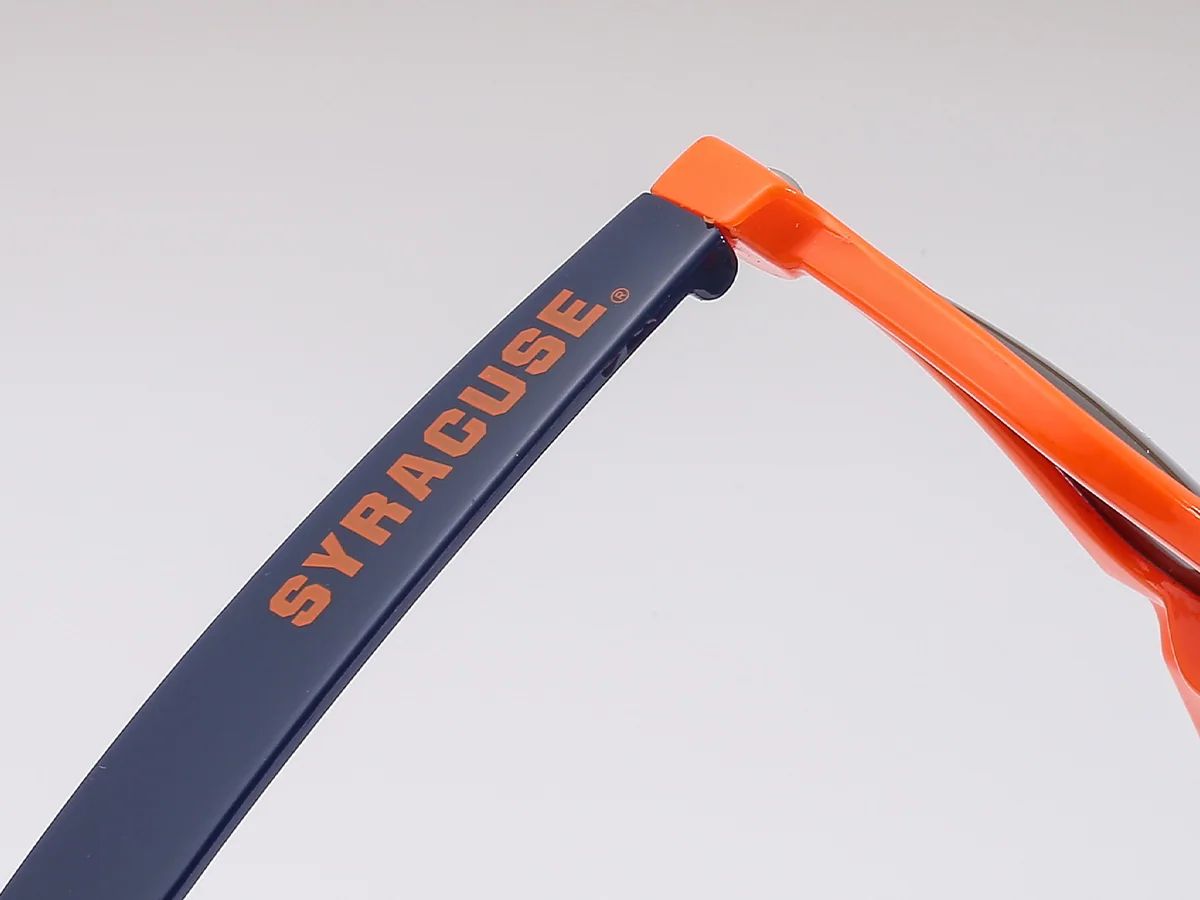
Placement affects visibility, usable size, wear exposure and production difficulty. The outside temple is a common starting point, but it is not automatically suitable for every logo. A hinge, sharp curve, texture or narrow temple can reduce the available area or require another application method.
Ask for a placement drawing or digital mockup on the selected frame. It should show orientation, approximate dimensions, distance from nearby hardware and whether the left and right sides use the same artwork.
| Position | Best suited to | Buyer check |
|---|---|---|
| Outer temple | Visible brand names, campaign marks and repeat programs | Confirm usable length, curvature and left/right orientation |
| Inner temple | Discreet branding or secondary product information | Keep clear of required product or compliance markings |
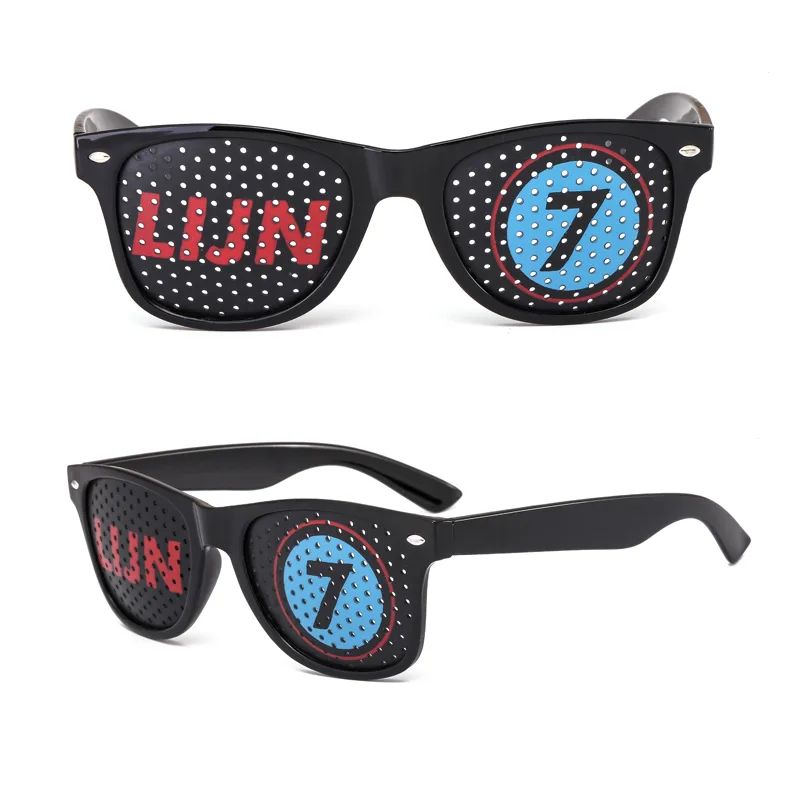
| Lens | Selected printed-lens or pinhole artwork projects | Confirm visibility, optical area, cleaning resistance and product route |
| Temple tip | Small icons or compact secondary marks | Check available space and handling exposure |
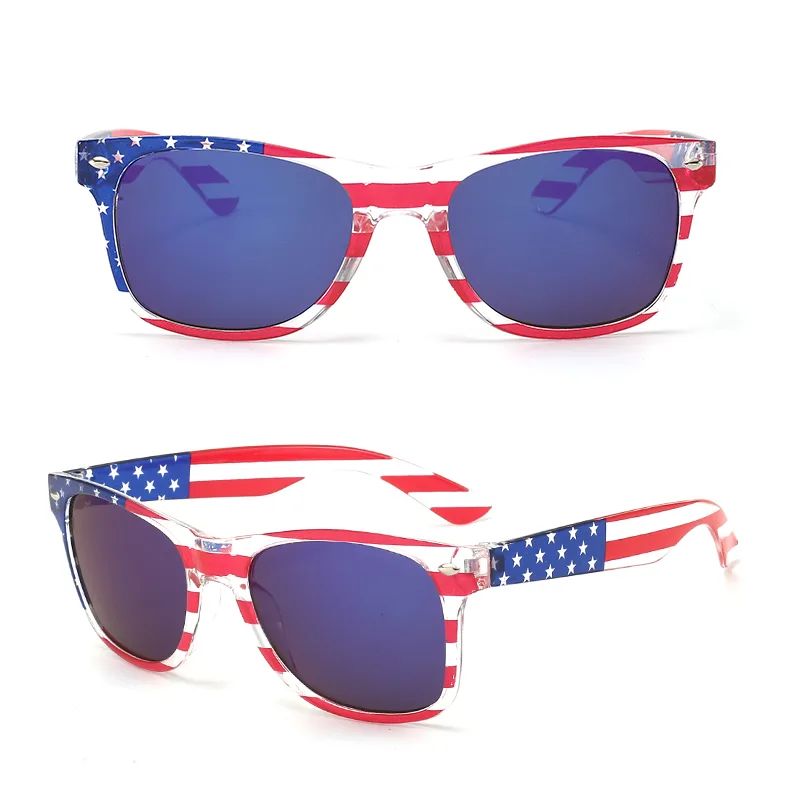
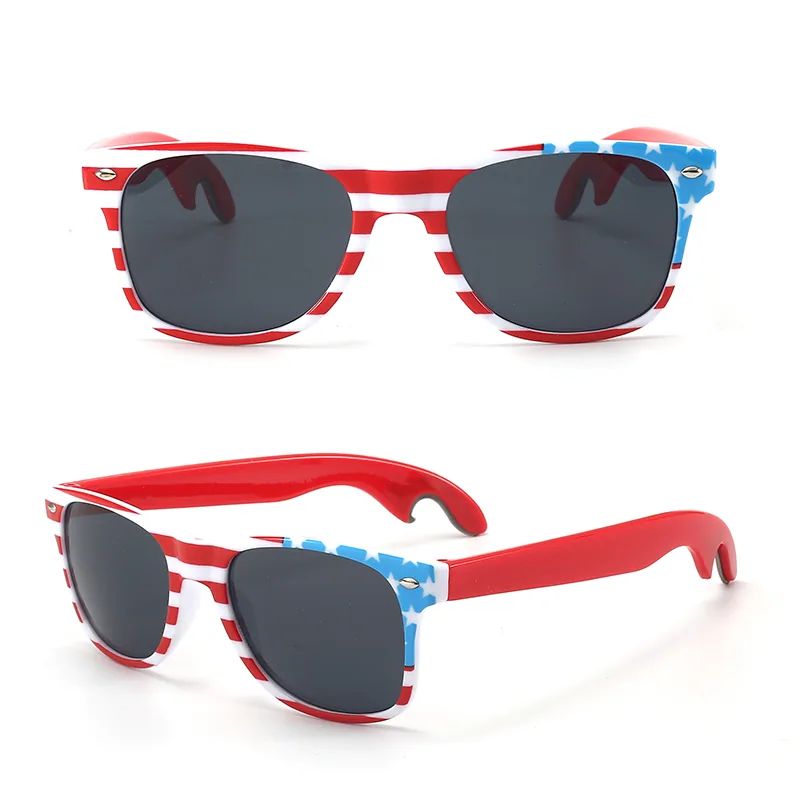
| Full frame or temple | Approved patterns and large multi-color graphics | Review heat-transfer layout, coverage and edge continuity |
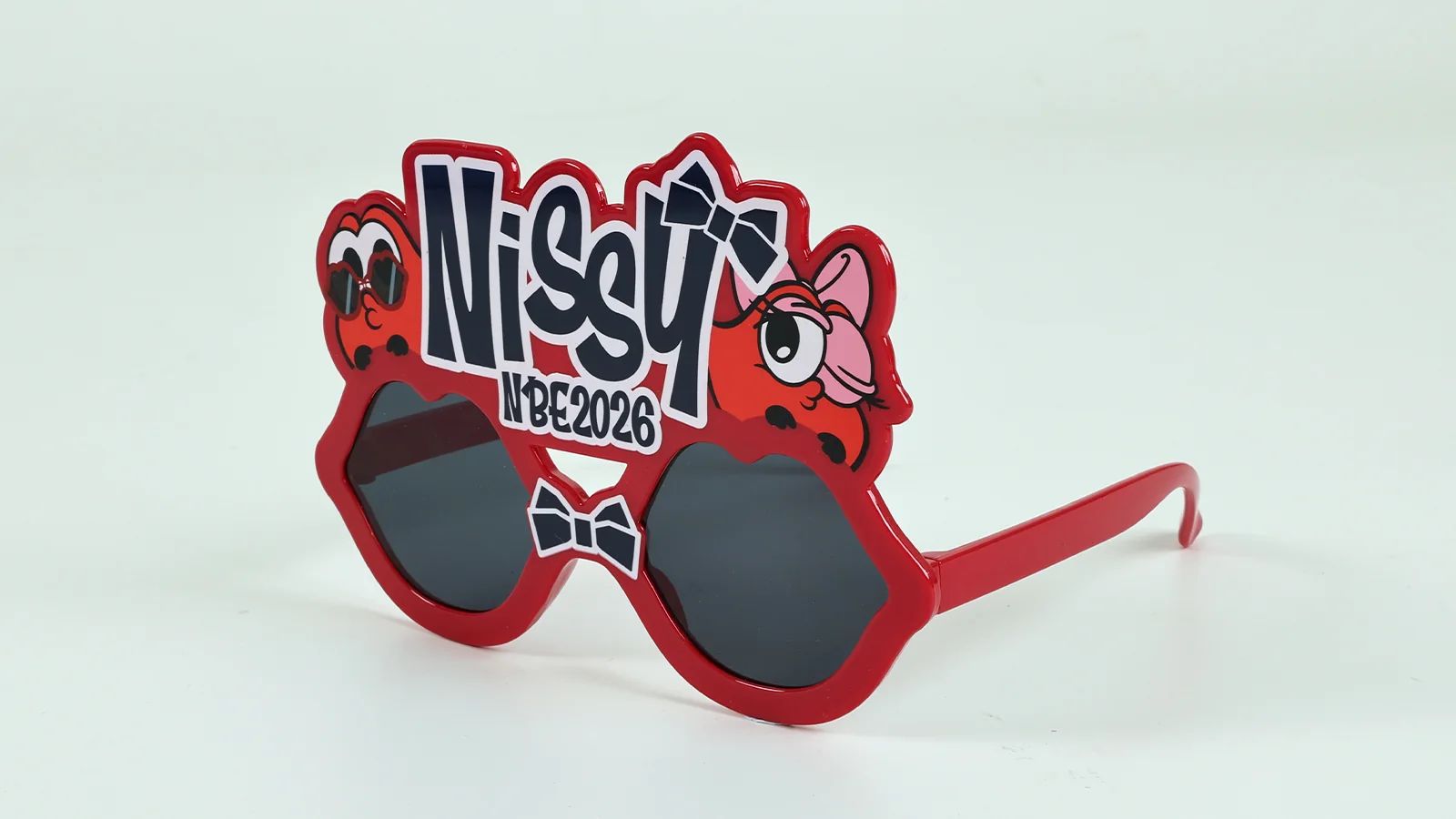
| Logo-shaped frame | A fully custom product built around the logo itself | Treat as product development with drawing, prototype, tooling and molded-sample approval |
Match the Method to the Actual Surface
Material names alone do not decide print performance. A glossy PC temple, a textured surface, a flexible component, a bamboo temple and a painted metal detail each present different adhesion, pressure, heat and appearance questions. Coatings and surface treatments can be as important as the base material.
For this reason, do not approve a method from a catalog image alone. Confirm the final product code or construction, the exact print location and the physical surface used for the production sample. If the surface changes after approval, the logo application should be reviewed again.
- Is the logo area flat, gently curved or sharply curved?
- Is the surface glossy, matte, textured, coated or natural wood or bamboo?
- Will the area flex, contact skin or receive frequent handling?
- Does the artwork cross an edge, hinge, screw or change in surface level?
- Will a base color be needed to keep the logo visible on a dark frame?
Prepare Logo Artwork for a Production Review
AI, EPS, SVG or a vector PDF is preferred because the artwork can be resized without losing edge quality. PNG and JPG files can still be reviewed, but low-resolution files, screenshots and artwork copied from a website may need to be redrawn before sampling.
Do not rely on an arbitrary universal minimum line width or font size. The workable limit depends on the selected method, product, print area and logo structure. DOMI reviews small text, thin lines, gaps and color separations against the actual application before confirming the artwork.
| Item | Preferred input | Why it matters |
|---|---|---|
| Master logo | AI, EPS, SVG or vector PDF with fonts outlined | Keeps edges clean when the logo is resized |
| Brand colors | Pantone references or an approved physical color standard | Provides a production target beyond a monitor preview |
| Placement | Marked product image or drawing | Prevents ambiguity about side, orientation and position |
| Approximate size | Width, height or a visual reference | Lets the factory check the available print area |
| Logo variants | Full logo, horizontal version and icon-only version | Provides a practical alternative when the available area is narrow |
Metallic finishes, physical materials and printed colors should be approved from a real sample rather than a screen preview alone.
Use the Mockup and Physical Sample for Different Decisions
A digital mockup is useful for confirming the selected product, logo position, orientation, approximate size and overall visual balance. It is not proof of final ink color, adhesion, edge definition or how a graphic wraps around a three-dimensional surface.
The physical sample should use the agreed product, surface, logo method, artwork, color direction and position. DOMI currently does not charge a sample fee for a custom logo sample, and the general sample reference is 5–10 days; the customer pays the sample freight. Complex development, new molds or special processes must be confirmed separately.
- Compare the logo position with the approved mockup
- Check color against the agreed reference under practical lighting
- Inspect edges, small gaps and registration between colors
- Review the complete coverage around curves and transitions
- Check for scratches, smudging and visible adhesion problems
- Record the approved sample as the production reference
Plan MOQ and Lead Time by Customization Route
There is no single sunglasses logo printing MOQ for every product. The applicable quantity depends on whether the order uses available stock, an existing catalog frame that needs production, or a completely new frame. Logo colors, design splits, packaging and the selected method can also affect the production setup.
DOMI uses the following current planning references. Timing starts after receipt of the 30% deposit, is counted in calendar days and excludes international transportation. The approved quotation confirms the final quantity, sample plan and schedule.
| Route | Typical scope | Reference MOQ | Reference lead time |
|---|---|---|---|
| Ready-stock customization | Available style and color with approved logo and packaging | From 100 pairs | About 5–10 calendar days |
| Semi-custom existing frame | Existing catalog frame with selected color, lens, logo position and packaging; no new mold | From 300 pairs | About 20–30 calendar days |
| Full-custom development | New shape or structure with drawing, 3D proposal, tooling and molded sample | From 2,000 pairs | About 40–60 calendar days |
Product, color and design splits, method, packaging, approvals, order quantity and production season can change the final terms.
Understand What Changes the Logo Application Cost
A useful quotation separates the product, logo application, samples, special fixtures or tooling, packaging and transportation. Comparing only the per-pair print charge can hide the cost of a second color, a larger coverage area, another design version or a product that needs a different production route.
DOMI does not use one public price table for all logo methods. Screen printing is generally the more economical direction for a suitable simple one-color mark, while heat transfer normally costs more because it supports more complex artwork and broader coverage. The final comparison must use the same frame, quantity, artwork, logo position and packaging scope.
- Number of logo colors and separate artwork versions
- Print size, position, curvature and total coverage
- Frame or temple material, coating and surface preparation
- Fixture, plate, transfer film, metal part or tooling requirements
- Sample quantity, approval rounds and courier cost
- Order quantity split by product, frame color and logo design
Two Real Projects Show Why the Method Follows the Brief
A U.S. promotional-products customer selected an existing PC frame and ordered 10 country-flag designs for sports-event giveaways. Each design used heat transfer because the artwork was multi-color and needed wider coverage. The buyer approved a physical sample, then DOMI produced approximately 3,000 pairs—300 pairs per design—and later received a repeat order.
A Japanese customer needed the logo to become the frame itself. That requirement could not be solved by surface printing. DOMI completed two drawing revisions, produced a physical 3D prototype, developed new tooling, sent a molded sample for approval and arranged the requested third-party inspection before producing approximately 10,000 pairs. The initial project took about two months; repeat orders shortened to roughly 20–30 days because the mold and approved specification already existed.
Send a Logo RFQ the Factory Can Evaluate
A concise RFQ helps DOMI identify the right method before quoting. If the frame has not been selected, send a reference image and explain which details are fixed and which can change. If the artwork is confidential, state that requirement before sharing production files.
- Product model, reference image, sample or drawing
- Target quantity and split by frame color and logo design
- Vector artwork and Pantone or approved color references
- Preferred logo position, approximate size and required coverage
- Destination market, packaging and target delivery date
- Required physical sample, inspection or acceptance checks
FREQUENTLY ASKED QUESTIONS
Questions Buyers Often Ask
What is the best method for printing a logo on sunglasses?
It depends on the product, surface, curvature, artwork colors, coverage and target appearance. DOMI commonly reviews screen printing for suitable simple one-color marks, pad printing for compact curved areas, heat transfer for multi-color or large-coverage graphics, laser engraving for confirmed engravable components and metal logos for suitable premium constructions.
Can DOMI print a logo on sunglasses lenses?
Selected lens-printing and pinhole-artwork projects can be reviewed. The final route depends on the lens construction, artwork, printable area, visibility and cleaning or handling requirements. Lens branding should be approved on the actual product sample.
What artwork file should I send for sunglasses logo printing?
AI, EPS, SVG or a vector PDF with fonts outlined is preferred. Include a Pantone or approved color reference, the preferred position and approximate size. PNG or JPG files can be reviewed, but low-resolution artwork may need redrawing.
Can I approve a custom logo sample before bulk production?
Yes. DOMI confirms logo appearance and position through an approved custom sample or agreed physical reference before bulk production. Custom logo samples currently have no sample fee; the customer pays freight, and complex or full-custom development is quoted separately.
What is the MOQ for custom logo sunglasses?
Ready-stock logo orders can start from 100 pairs, semi-custom existing-frame orders from 300 pairs and full-custom development from 2,000 pairs. These are planning references; the selected product, colors, design splits, logo method and packaging determine the final MOQ.
Is heat transfer cheaper than screen printing on sunglasses?
Usually no. For DOMI projects, heat transfer normally costs noticeably more than screen printing, but it can support more complex multi-color artwork and broader coverage. Compare both methods against the same frame, artwork, quantity and coverage before deciding.
Can the same logo method be used on every frame material?
No. The base material, coating, texture, curvature, flexibility and handling exposure can change adhesion and appearance. DOMI reviews the exact product and surface before confirming the method and production sample.
PLANNING A SUNGLASSES PROJECT?